Set your iPhone behind you.
Put it on a small tripod about 7 feet back, angled toward the ball. No stickers, no special balls.
The launch monitor in your pocket
Ball speed, launch, spin and carry, plus a 10,000 fps replay of the moment of impact. All from your iPhone. No radar unit. No marked balls.
 A closer look at the moment of impact.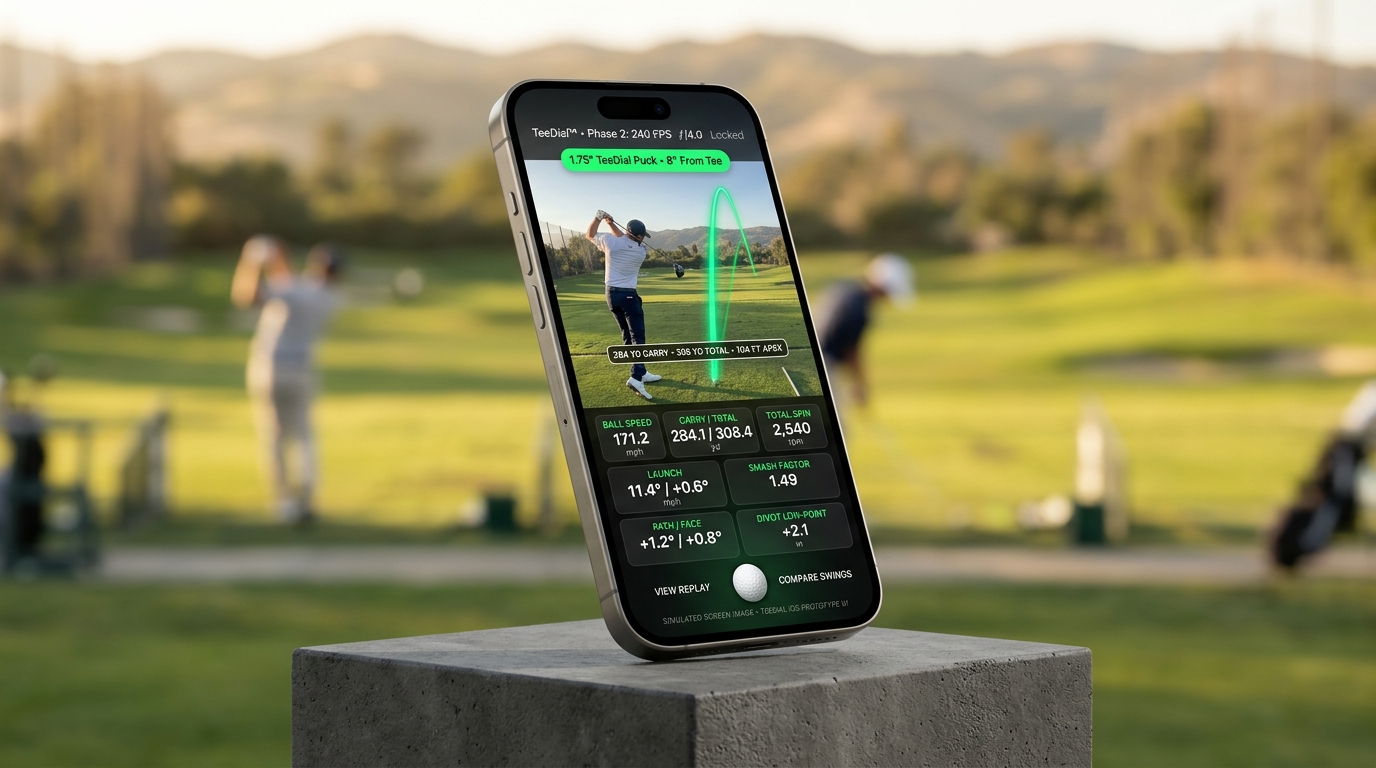
A launch monitor that runs on your iPhone.
No radar to buy.No marked balls.Just a phone tripod.PhantomSync™ 10K impact replay
At 240 frames per second, the strike happens between two frames, so ordinary slow motion never shows it. TeeDial pins down the instant of impact from sound and motion, then reconstructs it as a 10,000 fps sequence so you can step through the face, the ball and the contact, frame by frame.
Meet PhantomSyncWhy TeeDial
Dedicated launch monitors measure the ball but cost as much as a set of clubs. Video coaching apps are affordable but can’t tell you what the ball did. TeeDial does both with your iPhone.
| Feature | Dedicated launch monitor | Video coaching app | TeeDial |
|---|---|---|---|
| What you buy | A $700–$20,000 unit | An app | An app. The Dial is optional. |
| Ball speed, launch, spin, carry | Yes | No | Yes |
| Swing video | Some models | Yes | Yes |
| Slow-motion view of impact | Premium models | No | Reconstructed at 10,000 fps |
Typical of each category. TeeDial is in development; capabilities describe the planned launch experience.
One app. Your whole practice.
Every shot gives you launch-monitor numbers, a replay of impact and a look at your swing, all in one place on your phone.
Simulated screen images iPhone 18 Pro Max
Practice anywhere
Select a screen to explore the original image. All interfaces and shot values shown are simulated previews.
About 30 seconds to set up
Put it on a small tripod about 7 feet back, angled toward the ball. No stickers, no special balls.
A two-second scan measures the lie, the distance to the ball and the air, so carry matches your conditions.
Your numbers appear right after impact, with a slow-motion replay of the strike a tap away.
Optional add-on The Dial
The app does the measuring. The Dial is a 1.75-inch round display that sits on the mat beside the ball, so you can read every shot without walking back to your phone. It also adds readings a camera can’t take on its own:
Explore a sample shot. Numbers shown are illustrative.
Look inside
A round AMOLED display, a sensor board with motion sensing and dual microphones, and a rechargeable battery in a low, sturdy case. Drag the slider to take it apart.
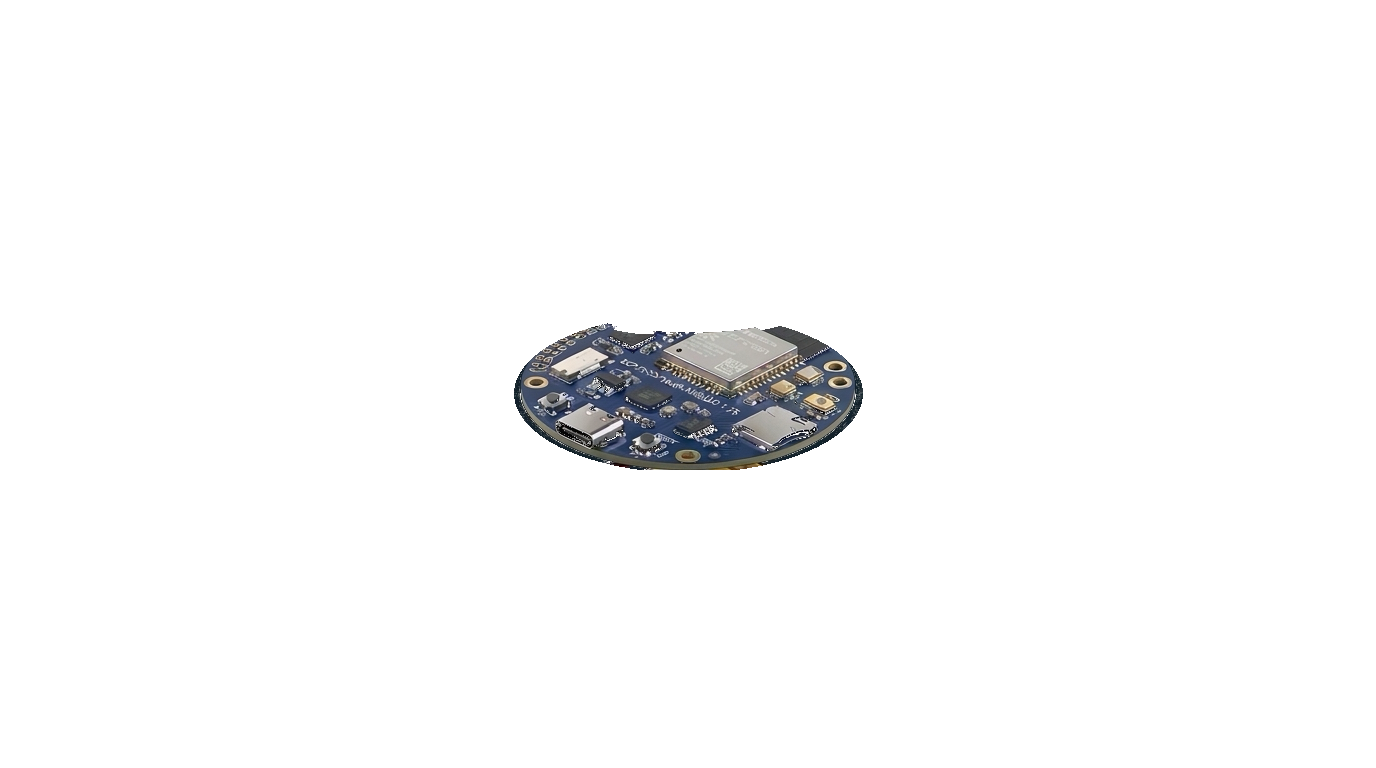
Hardware visualization · Sample display data
A few things to know
TeeDial is an iPhone app that turns your phone into a golf launch monitor and impact camera. Set your iPhone on a tripod behind you and it measures ball speed, launch, spin and carry, then reconstructs the strike as a 10,000 fps slow-motion replay using PhantomSync 10K.
No. The app works on its own. The Dial is an optional add-on that shows your numbers on the mat at your feet and adds low-point and lie readings measured right at the ball.
TeeDial is being developed on iPhone 18 Pro Max and uses the Pro camera system, the LiDAR scanner and the microphones. The full list of supported models will be published before launch.
Yes. Hit real balls on the range or into a net at home, or switch to the no-ball trainer and swing in the living room to work on clubhead speed and release.
Pricing for the app and the Dial will be announced at launch. Join the list below to hear first.
Explore PhantomSync 10K for a closer look at the impact engine and how the replay is reconstructed.
Coming soon
Get launch news and an invitation to the iPhone beta.
Or email info@TeeDial.com